Git – Simplified (Chapter 6)
This is the 6th chapter of the “Git – Simplified” course, in which we will go through Git from zero to hero. If you are just starting out with Git I highly recommend you to go to… Read More »Git – Simplified (Chapter 6)
This is the 6th chapter of the “Git – Simplified” course, in which we will go through Git from zero to hero. If you are just starting out with Git I highly recommend you to go to… Read More »Git – Simplified (Chapter 6)
This is the 5th chapter of the “Git – Simplified” course, in which we will go through Git from zero to hero. If you are just starting out with Git I highly recommend you to go to… Read More »Git – Simplified (Chapter 5)
This is the 4th chapter of the “Git – Simplified” course, in which we will go through Git from zero to hero. If you are just starting out with Git I highly recommend you to go to… Read More »Git – Simplified (Chapter 4)
This is the 3rd chapter of the “Git – Simplified” course, in which we will go through Git from zero to hero. If you are just starting out with Git I highly recommend you to go to… Read More »Git – Simplified (Chapter 3)
This is the 2nd chapter of the “Git – Simplified” course, in which we will go through Git from zero to hero. If you are just starting out with Git I highly recommend you to… Read More »Git – Simplified (Chapter 2)

Lately, my girlfriend and I were facing a problem: we were casting movies from our computer to our Chromecast – The only problem is that those movies had subtitle files (.srt) which needed 3rd party… Read More »From a problem to a web app – The couch-player.com
Git is one of the most helpful version control systems out there. It contains many features and capabilities that can make your life a lot easier. In this article, we will go through the most… Read More »Git tips & common pitfalls

On my day to day work I write a lot of code, use a lot of terminal commands (👨💻 << me typing) and develop a-lot on VSCode. Using tools such as an enhanced terminal (called… Read More »My Mac\Linux developer essentials
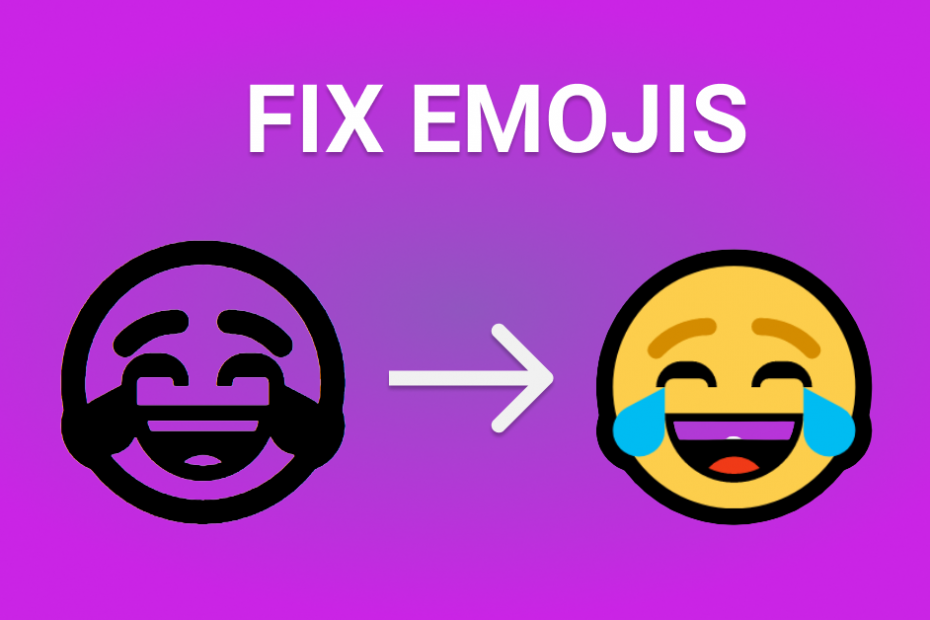
While developing this blog I came across a weird problem caused on Chrome on my Windows PC environment. When using Emojis with “bold” fonts (font-weight: bold), they look black and white (grayscale), or I would… Read More »Fixing “black and white” emojis using JavaScript
This is the beginning of the “Git – Simplified” course which will explain, describe and walk you through the most basic knowledge of “Git” to the most advanced “Git”, or as I would say “from… Read More »Git – Simplified (Chapter 1)